GlassDNS
🌐 A mobile DNS configuration tool for iOS with Liquid Glass UI
Install
Requirements
- Xcode 16+
- iOS 26.0+
- Apple Developer account (for device deployment)
Build from Source
Select your target device or simulator in Xcode, then press Cmd + R to build and run.
Usage
Supported Providers
- Cloudflare — API Token authentication
- Alibaba Cloud DNS — AccessKey ID + Secret authentication
Getting Started
- Launch the app and tap Add Provider
- Select your DNS provider (Cloudflare or Alibaba Cloud)
- Enter your API credentials
- The app verifies your credentials, then loads your domains
DNS Record Management
- View all DNS records for any domain
- Filter records by type (A, AAAA, CNAME, MX, TXT, NS, SRV)
- Search records by name or content
- Add, edit, and delete DNS records
- Pull to refresh for latest data
Features
- Multi-provider — Manage multiple DNS providers in one app
- Secure storage — API keys stored in iOS Keychain, never leaves your device
- Bilingual — English and Chinese (Simplified), switchable in settings
- Dark theme — Deep blue glassmorphism UI with green accents
Screenshots
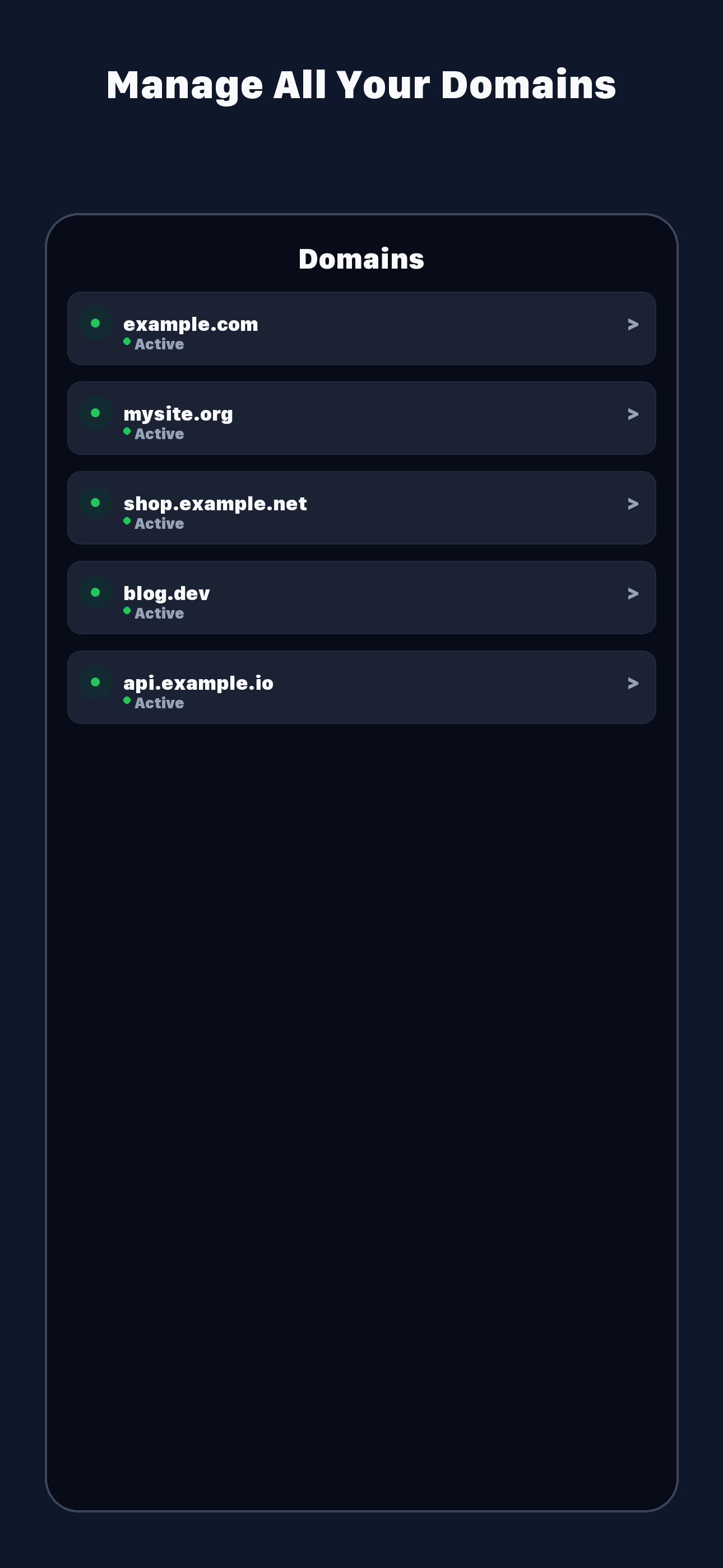
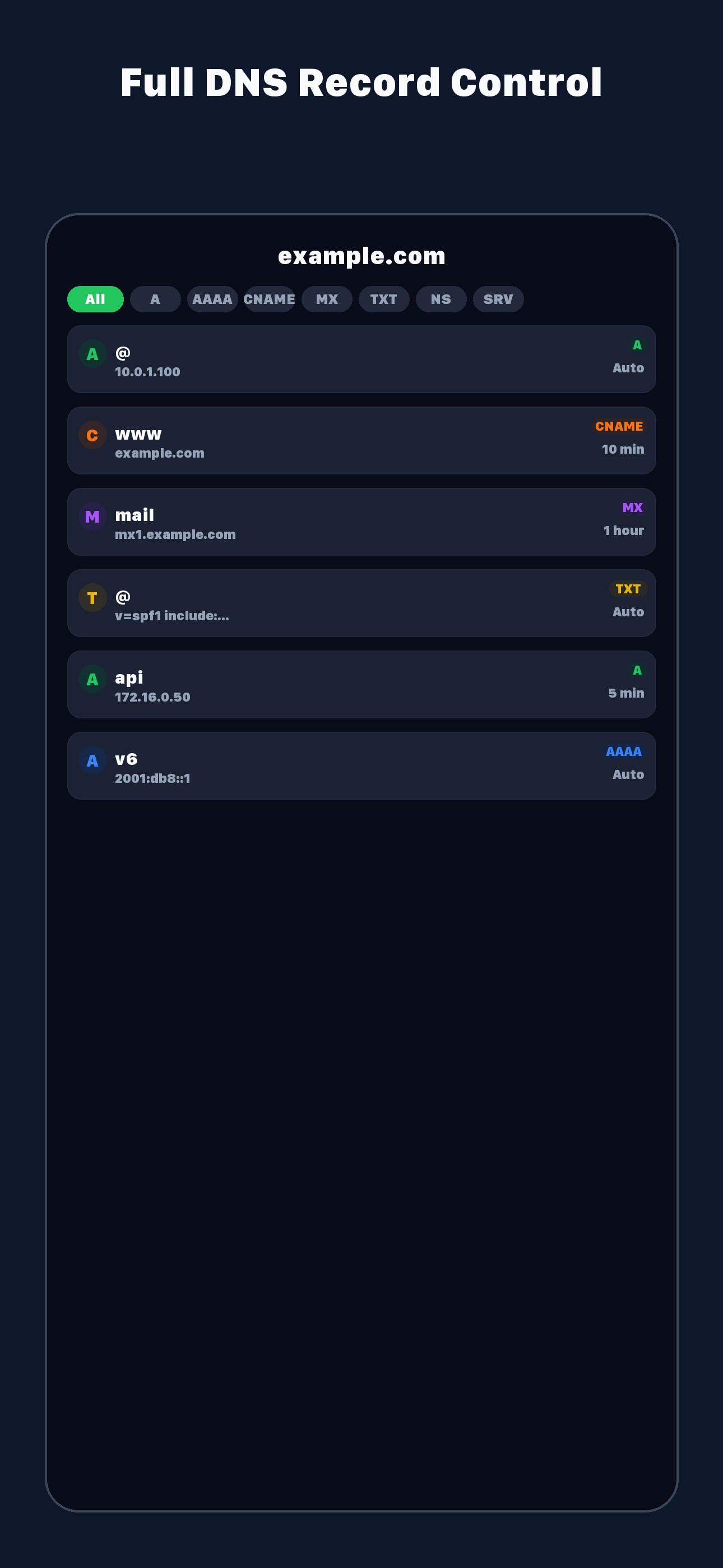
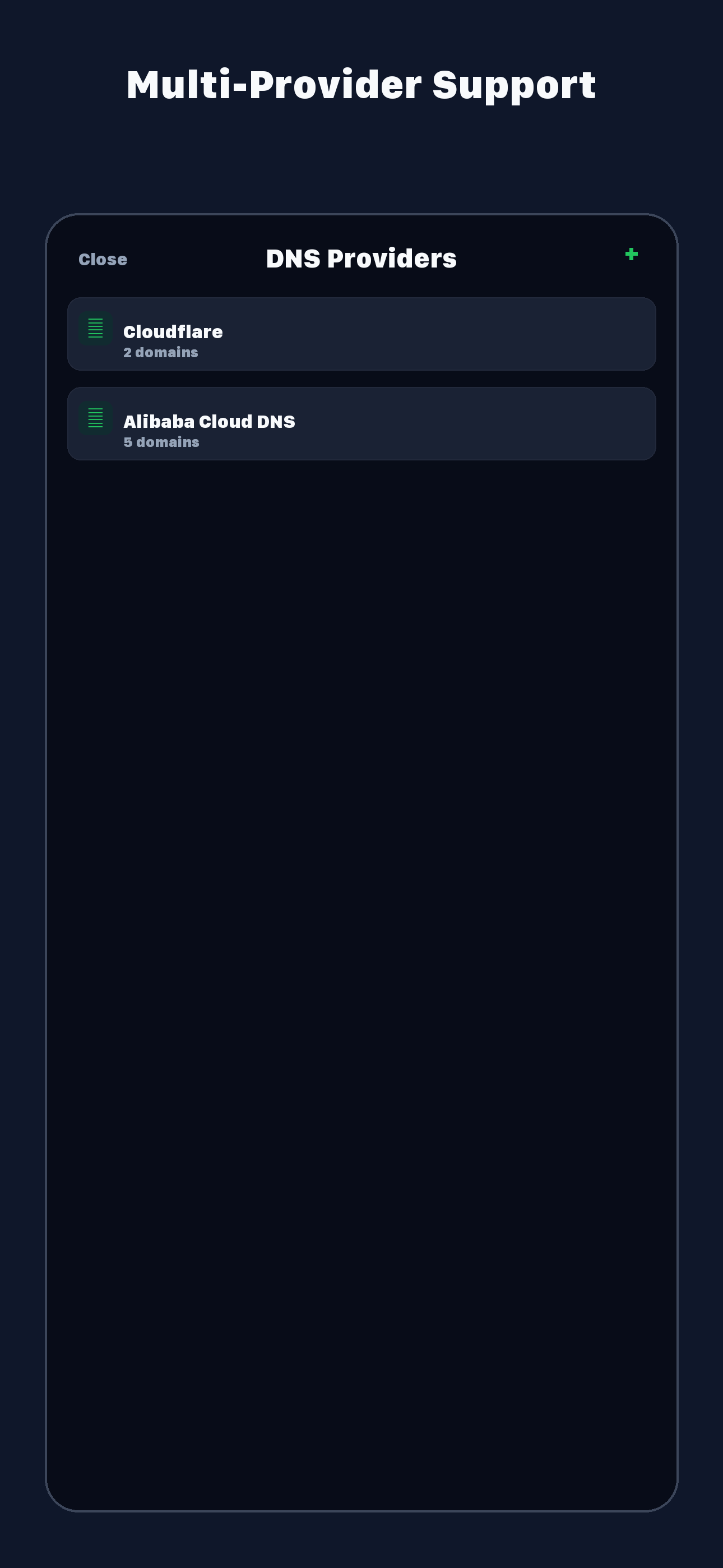
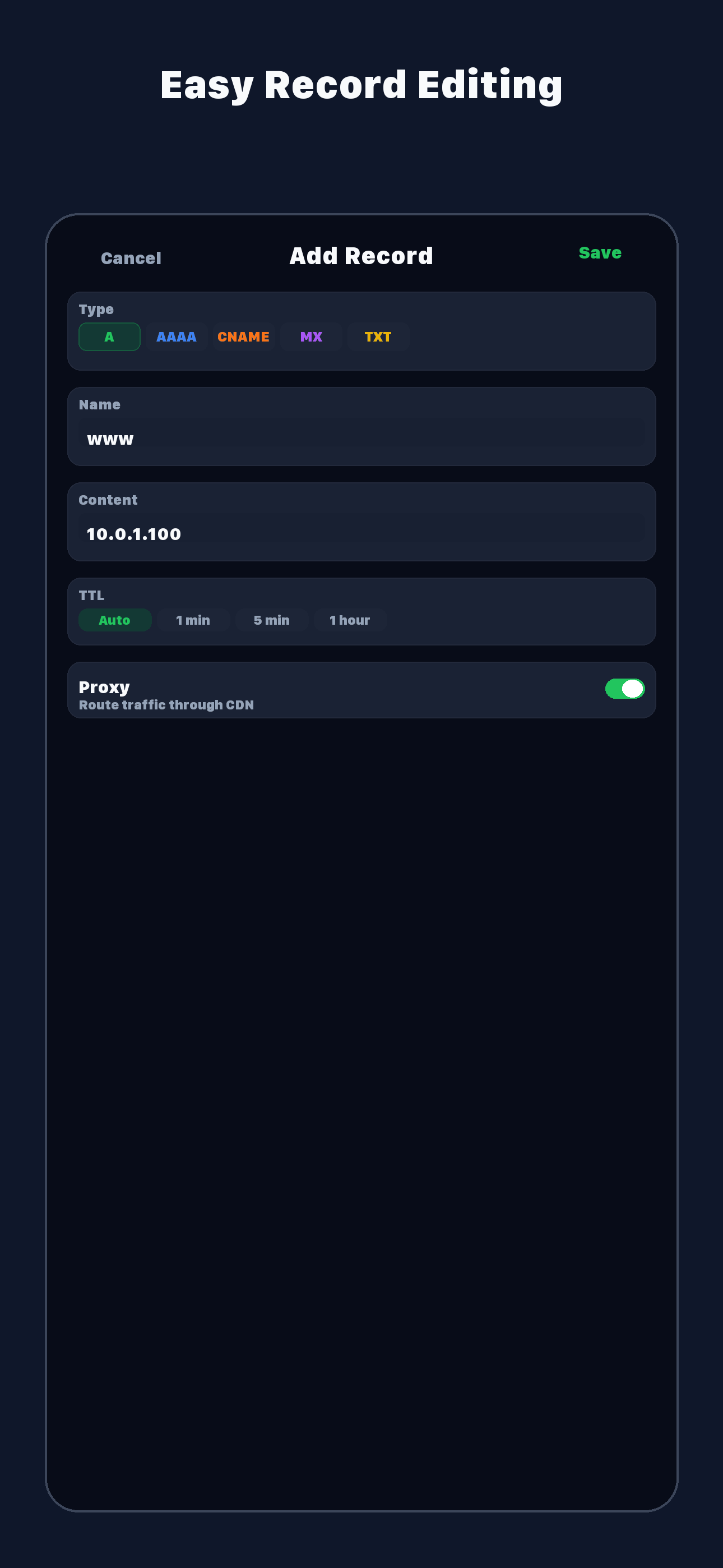
License
© Guany